
How to Edit Professional Videos for Beginners: A Step-by-Step Guide
Video editing has become an essential skill in today’s digital world. From YouTube videos and Instagram Reels to business advertisements and online courses, professional-looking videos help brands and creators connect better with their audience.
Many beginners think professional video editing requires expensive equipment or advanced skills. However, with the right process, tools, and practice, anyone can learn to create high-quality videos.
This beginner-friendly guide will explain how to edit professional videos step by step.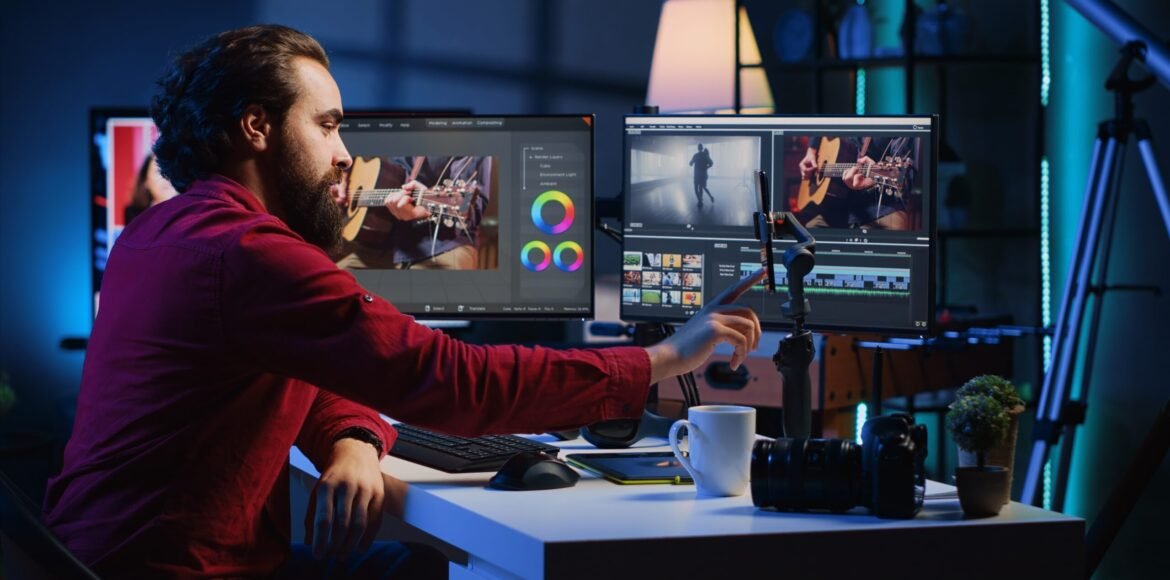
1. Plan Your Video Before Editing
Professional editing starts before opening your editing software. First, understand the purpose of your video.
Ask yourself:
- What is the goal of this video?
- Who is the target audience?
- What message do I want to deliver?
Create a basic structure:
- Introduction (Hook)
- Main Content
- Conclusion (Call to Action)
Planning helps you avoid unnecessary edits and creates a smoother final video.
2. Choose the Right Video Editing Software
The editing software you choose depends on your skill level and requirements.
Popular video editing software for beginners:
CapCut
A beginner-friendly editor with templates, effects, captions, and AI features. It is widely used for short-form content.
Adobe Premiere Pro
A professional editing tool used by filmmakers, YouTubers, and businesses. It provides advanced editing features.
DaVinci Resolve
A powerful software known for professional editing and color grading.
Filmora
An easy-to-use editing program suitable for beginners.
Start with simple software and gradually move toward advanced tools as your skills improve.
3. Organize Your Files Properly
Before starting your project, organize all your files.
Create folders for:
- Video clips
- Images
- Music
- Sound effects
- Graphics
- Final exports
Proper organization saves time and makes your editing workflow more professional.
4. Import and Arrange Your Footage
Import all your recorded clips into your editing software.
Watch your footage carefully and select the best parts.
Remove:
- Mistakes
- Unnecessary pauses
- Duplicate clips
- Poor-quality shots
Arrange clips according to your planned story.
A professional video is not about using every clip; it is about selecting the right moments.
5. Master Basic Cutting and Trimming
Cutting and trimming are the foundation of video editing.
Use cuts to:
- Improve video flow
- Remove boring sections
- Maintain viewer attention
Avoid making scenes too long. Modern audiences prefer fast and engaging content.
Clean editing often looks more professional than using too many effects.
6. Improve Audio Quality
Audio is one of the most important parts of a professional video.
Good audio includes:
- Clear voice recording
- Balanced background music
- Reduced background noise
- Proper sound effects
Make sure background music does not overpower the main voice.
A video with great visuals but poor audio can feel unprofessional.
7. Add Smooth Transitions and Effects
Transitions connect different scenes smoothly.
Useful transitions:
- Fade
- Zoom
- Slide
- Match cuts
Use effects carefully. Too many animations and transitions can distract viewers.
Professional editors focus on enhancing the story instead of adding unnecessary effects.
8. Apply Color Correction and Color Grading
Colors create emotion and improve video quality.
Color correction fixes:
- Exposure problems
- Brightness issues
- Incorrect colors
Color grading creates a specific visual style.
Examples:
- Warm tones for friendly and emotional videos
- Cinematic colors for storytelling videos
- Bright colors for energetic content
Even basic color adjustments can make a big difference.
9. Add Text, Captions, and Graphics
Text improves understanding and keeps viewers engaged.
Use:
- Titles
- Subtitles
- Important points
- Call-to-action messages
Captions are especially important for social media because many users watch videos without sound.
Keep text simple, readable, and properly timed.
10. Optimize Your Video for Different Platforms
Different platforms require different video styles.
Examples:
Instagram Reels & YouTube Shorts
- Vertical format
- Quick edits
- Strong opening hook
YouTube Videos
- Longer storytelling
- Detailed editing
- Better audio quality
Business Advertisements
- Clear message
- Product highlights
- Strong call to action
Always edit based on where your video will be published.
11. Create an Attention-Grabbing Introduction
The first few seconds decide whether viewers continue watching.
Create a strong hook by:
- Asking an interesting question
- Showing the final result first
- Highlighting a problem and solution
- Using engaging visuals
A strong beginning increases watch time and engagement.
12. Export Your Video With the Right Settings
Before publishing, export your video correctly.
Recommended settings:
- High-quality resolution (1080p or higher)
- Correct aspect ratio
- Clear audio
- Suitable file format (MP4 is commonly used)
Check your final video before uploading.
13. Practice and Improve Your Skills
Video editing improves through regular practice.
Try creating:
- Social media reels
- YouTube videos
- Product advertisements
- Short films
- Educational videos
Study professional creators and analyze how they use cuts, music, and storytelling.
Conclusion
Learning professional video editing as a beginner is a journey that requires creativity and practice. You do not need expensive equipment to start. By learning the basics of cutting, audio editing, color correction, text, and storytelling, you can create impressive videos.
The key to becoming a better editor is consistency. Keep practicing, experiment with different styles, and continue learning new techniques to improve your video editing skills.